
Camera Controls Decide Whether Visitors Keep Spinning Your 3D Model
Loading the model is the passing grade. Whether a buyer keeps dragging for another turn depends on camera interaction. In a web 3D display this feel rests on a handful of parameters, and projects shipped on defaults usually spin but do not sell.
Lock the Rotation Range First
Default orbit controls let the camera dive below the floor. A machine model flipped upside down makes the whole scene look broken. Cap the vertical angle near ninety degrees and no drag can flip it. Horizontal orbit stays open in most cases; narrow the azimuth only when one face of the product is the only face worth seeing.
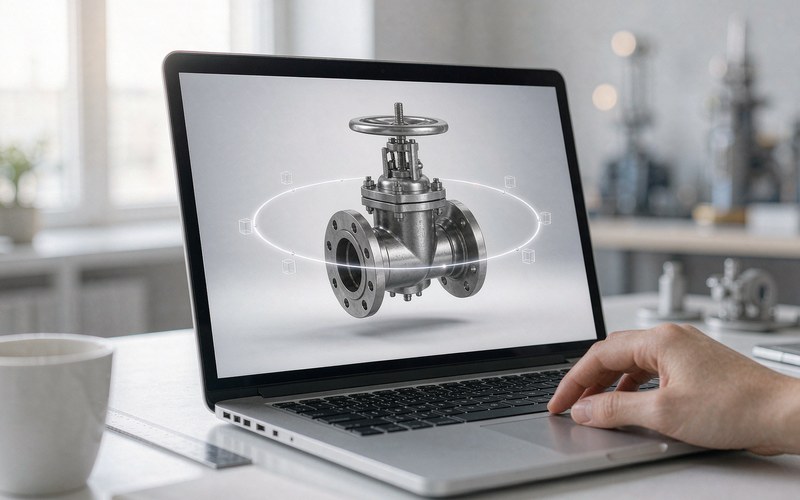
Give Zoom Hard Boundaries
An unlimited wheel ends in two ways, inside the model or lost in space. Set the nearest distance at roughly one point two times the model radius and the farthest near ten times. Details stay sharp and nobody falls out of frame. Both values follow model size, so they get recalculated for every new product.
Damping Is Where the Feel Lives
Release the drag on defaults and the motion stops dead, like a wheel full of sand. Turn on damping around zero point zero five and the movement glides to a halt. The cost is small and the requirement is strict: call the update every frame inside the render loop. Skip that and neither damping nor auto rotation moves, which makes it the most repeated question in developer forums.
Slow the Auto Spin, Kill the Pan
When nobody touches the screen, let the product rotate slowly, one lap in about thirty seconds. A touch pauses it, and it resumes after a few seconds. Never fight the visitor for control. Disable pan in product scenes, since the buyer came to inspect one item and a drifted scene is hard to recover. These settings belong to the interaction layer, and the working order for adding them after model delivery is written up in Adding Interactions to a Product 3D Model.
Touch Behaves Differently on Phones
Desktop uses a drag and a wheel. Phones use one finger to orbit and two fingers to pinch. Pinch fights page scrolling unless the canvas blocks default touch behavior, otherwise the page scrolls away mid rotation. Some office networks and old browsers cannot run WebGL at all, so the fallback needs preparing early, and the checking order is in When a Web 3D Display Stays Blank.
Tuned Controls Still Need a Light Model
Smooth controls mean nothing if the model takes eight seconds to appear. Polygon count, textures and compression formats get cut together, and the practical moves are listed in the model lightweighting checklist. Controls, file size and compatibility all passing, that is what counts as deliverable.
Related Q&A
Should these parameters be decided during modeling
No. They belong to the interaction layer and can be tuned after the model is final. The initial camera position and rotation center do need fixing early, since every other setting builds on them.
Will all these limits frustrate buyers who want to explore freely
The limits block wrong views, not exploration. A model that cannot flip, clip or drift invites more dragging, not less.
The phone gets hot while spinning, what then
High polygon counts and real time shadows are the usual cost. Bake the shadows into textures first, then drop the render pixel ratio one step, and heat usually comes down.